Forms

Build custom forms to collect structured information from your clients. Onboarding questionnaires, tax return checklists, year-end packs. Design the form once, send it to as many clients as you need, and watch the answers flow back into your client records automatically.

Form Builder

Design forms with sections and questions using a visual builder. Drag and drop to reorder sections, add descriptive introductions for each section, and organise questions with different field types including text, numbers, dates, dropdowns, yes/no toggles, addresses, and more.

Forms go through a simple lifecycle: Draft while you're building, Published when ready to send, and Archived when you're done. You can edit a published form at any time without affecting requests that have already been sent.

Linked to Your Client Records

Questions can be linked directly to fields on the client record: company name, UTR, VAT number, contact details, addresses, and any custom fields you've defined. Forms are pre-populated with the client's current data, so they only need to fill in what's missing or correct what's changed.

You choose what happens when a client submits. Turn on auto-accept and their answers are applied to the client record immediately on submission, no manual step required. This is great for simple information gathering where you trust the data, like onboarding forms or address updates.

If you want more control, leave auto-accept off and review each answer individually before it touches the client record. You can see exactly what changed compared to the current value, then accept or reject each answer one by one. Accepted answers are applied immediately; rejected answers are left unchanged.

No Portal Required

Clients receive a magic link by email and fill in the form directly in their browser. No account, no password, no portal signup. This is important because many clients simply don't want to create yet another login, and you shouldn't need them to just to collect information.

If you do use the client portal, forms appear there too. But the magic link approach means every client can respond, regardless of whether they've signed up to the portal.

This same portal-free approach applies to document requests, document approvals, and client confirmations too. Every client-facing action in Sodium works with a simple email link. No portal needed.

Section Targeting by Client Type

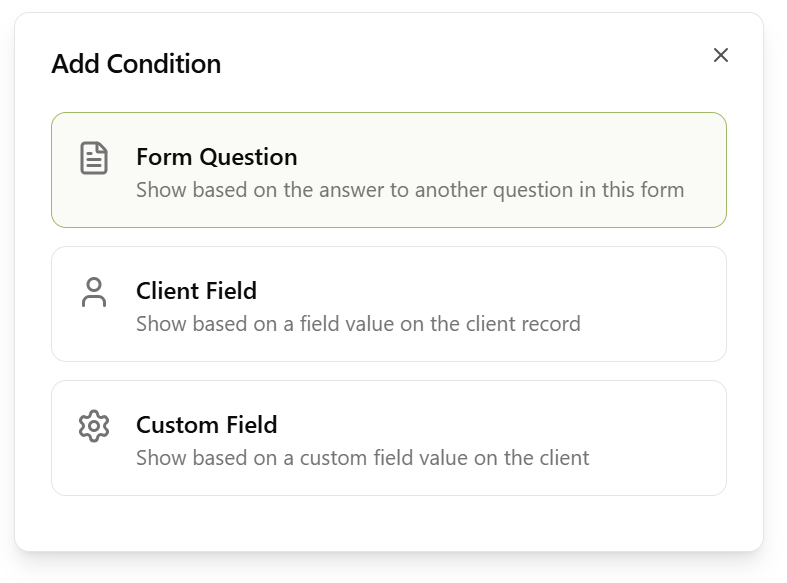
Sections can be targeted to specific client types. Show company registration questions only to limited companies, or personal tax details only to individuals and sole traders. Clients only see the sections that are relevant to them, keeping forms focused and avoiding confusion.

One form can serve multiple client types without needing separate versions for each.

Token Support

Form introductions, section introductions, and email messages all support template tokens. Insert the client's name, company details, or other record data so every form feels personalised, even when you're sending the same form to hundreds of clients.

Automatic Chasing

Sodium can automatically chase clients who haven't responded to a form request. Configure the chase email content and frequency to match your practice's tone. Chasing stops as soon as the client submits their response.

Form Library

Get started quickly with built-in templates: new client onboarding, annual tax return information, AML/KYC verification, year-end checklists, VAT registration, use of home allowance, and more. Import a template from the library, customise it to suit your practice, and start sending.

You can also export your own forms as JSON and import them into other Sodium tenants, or duplicate existing forms to create variations without starting from scratch.

Workflow Integration

Forms integrate directly with workflows as a dedicated step type. Add a "Send Form" step to any workflow template, and when that step executes, the form is sent to the client automatically. The workflow step stays in progress until the client submits, then completes and moves on.

This means you can build processes like "collect client details, prepare accounts, review, file" where the data collection phase is entirely automated.

Validation

Questions can have validation rules: max length, format patterns, and required fields. VAT numbers, UTRs, NI numbers, and email addresses are all validated against the correct format. Clients see clear error messages if something doesn't match, so you get clean data without back-and-forth.

Categories & Organisation

Organise forms into categories: onboarding, tax returns, compliance, accounts, or whatever makes sense for your practice. Default categories are provided, and you can add your own. Filter forms by category to find what you need quickly.

Works with Everything Else

Forms integrate with workflows, custom fields, client management, the client portal, and tasks to give you a complete system for collecting and managing client information.

Forms turn information gathering from scattered emails and phone calls into a structured, reviewable process. Clients get a clear form to fill in, and your team gets validated, organised data that flows straight into client records.

Want to learn about other capabilities?

Explore all features

Have questions or suggestions?

Get in touch