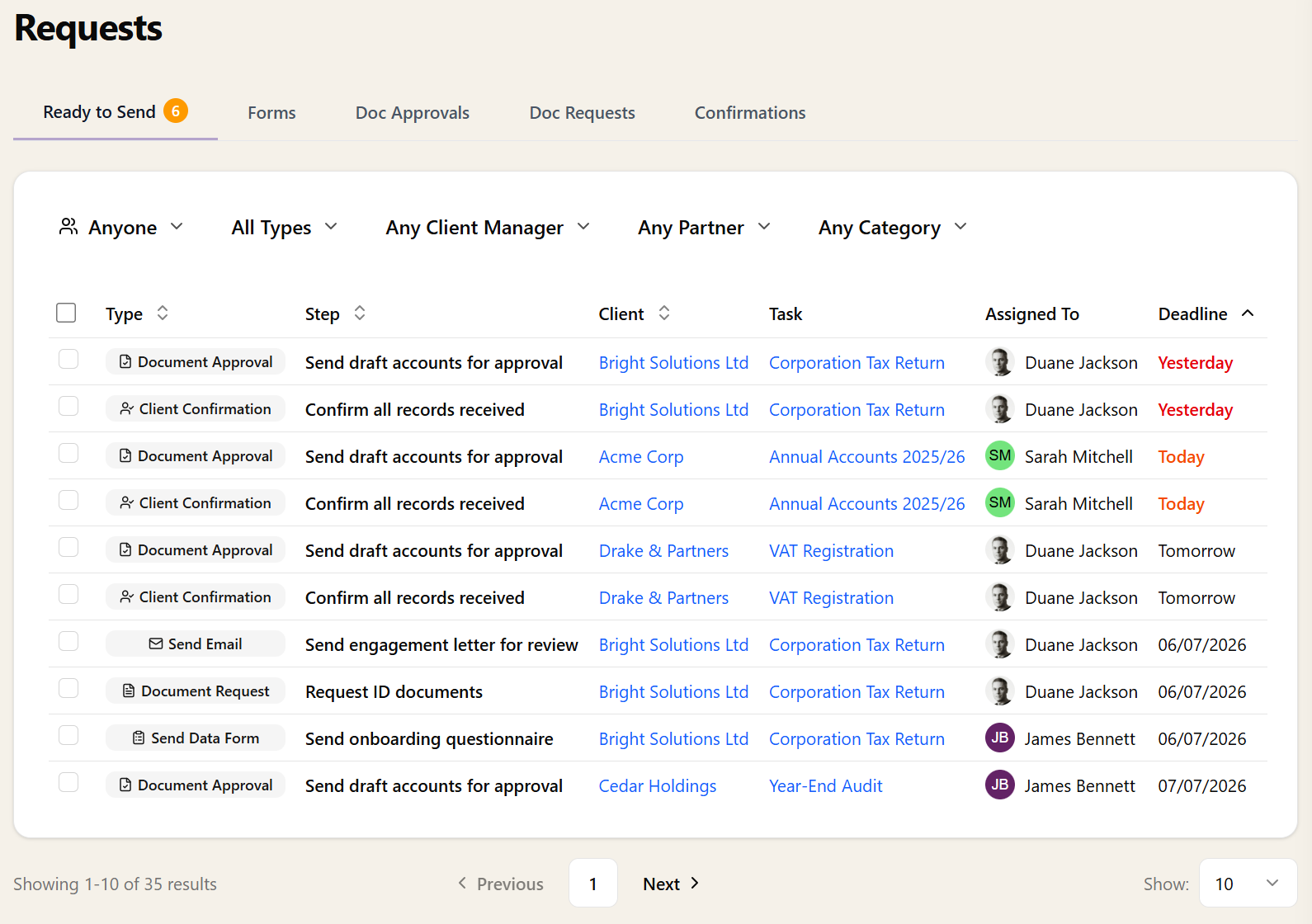
The Ready to Send tab shows every manual-mode workflow step that is waiting for someone to review and send. Emails, document requests, document approvals, client confirmations, and forms — all in one list, across every task in your practice.
The list defaults to steps assigned to you, so you see your personal queue first. Switch the filter to see another team member's queue, unassigned steps, or everyone's. Filter further by step type, client manager, partner, or task category.
A badge on the Requests navigation item shows how many steps are waiting for you, so you always know at a glance if there's work to do.