Switch between list view and calendar view with a single click. The list view gives you a compact, sortable table of tasks. The calendar view lays your tasks out across a timeline so you can see how work is distributed.
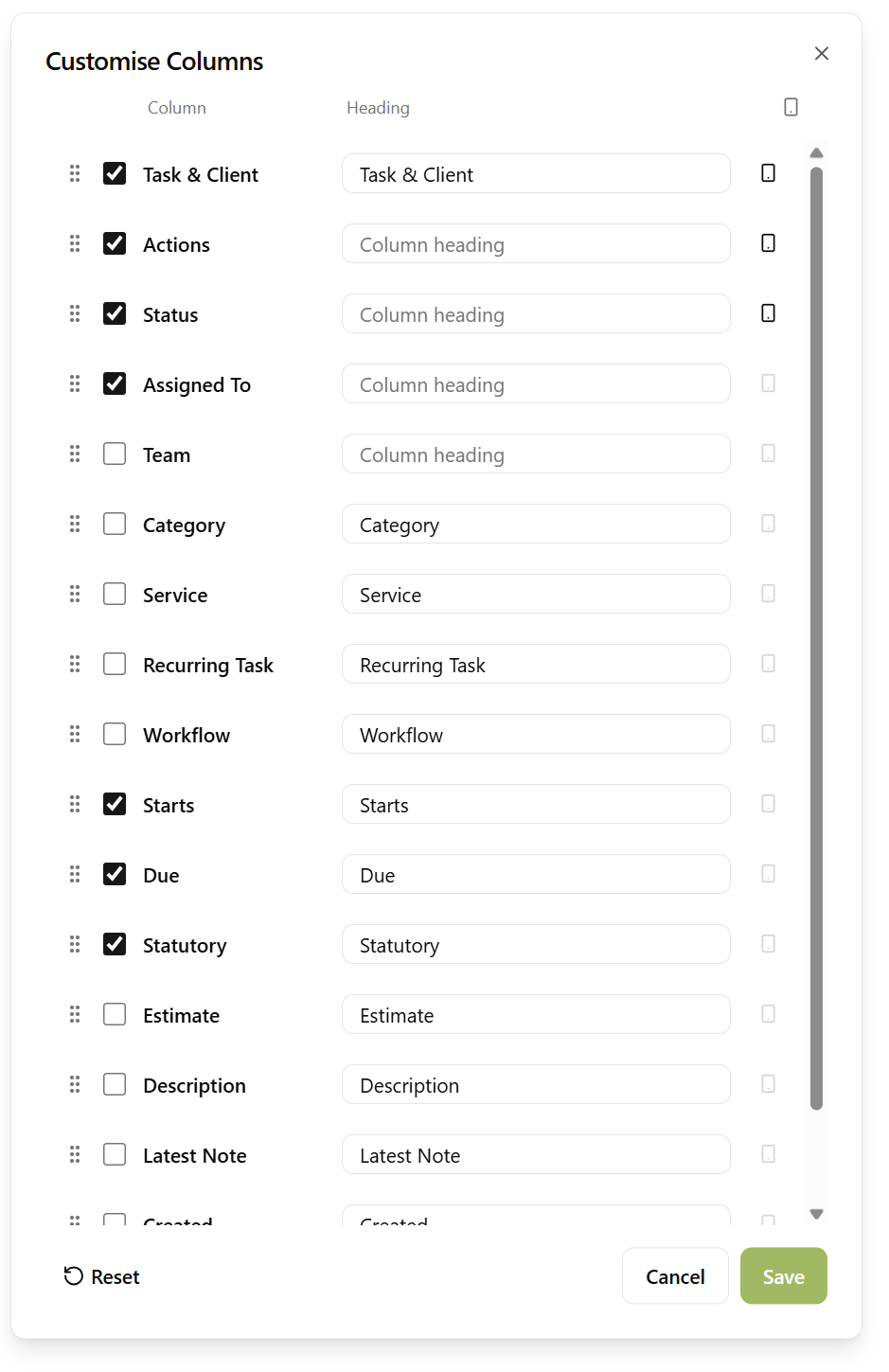
In list view you can customise exactly which columns are shown - add the data points you care about, hide the ones you don't, and order them however you like, so the table shows precisely the information you need. Alongside the basics there are columns for the stage of the task's related service and the next step of its workflow, so the list can answer "where is this job up to?" at a glance. The client's manager and partner are columns too, and sortable ones - so a partner can pull the whole list into their own order without filtering it first.
And with that many columns to choose from, there's a full-width option too - let the list use the whole of your screen, so a wider monitor means more columns rather than a horizontal scrollbar.
The calendar supports daily, weekly, and monthly views - switch between them to zoom in on a busy day or zoom out for a broader picture, or click the date at the top to jump straight to any day, week or month. Drag and drop a task to a different date to reschedule its start date instantly. Each day also shows how many of your clients' statutory deadlines fall on it; click the count to see which clients. Whichever view you're in, all your filters and queries still apply, so you're always looking at exactly the tasks you care about.
Tasks carry a start and due time as well as a date, so the daily and weekly views lay them out on a time grid rather than stacking everything into one undifferentiated pile at the top of the day. A task you haven't given a time to sits at nine in the morning, which keeps the grid readable without asking you to fill in a time you don't care about.
And if the calendar you actually plan your day in is somewhere else, you can subscribe to your tasks from Google Calendar, Outlook or Apple Calendar, so they appear alongside your meetings without you copying anything across. It works the other way too: add your Google, Outlook or Apple calendar to Sodium and your meetings appear here on the task calendar, each calendar in its own colour and visible only to you.
In either view you can choose to show or hide workflow steps - expand them for a detailed breakdown of each task, or collapse them for a cleaner overview. You decide how much detail you see.
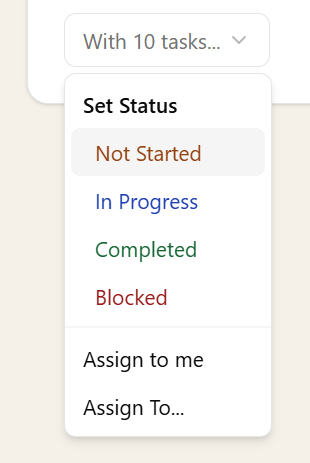
You can also update task status directly from the list or calendar without drilling down into the task - start, skip, block, complete, and more, all from the view you're already in.