Every workflow step has a type that determines what happens when it executes:
- Simple Step — a manual checklist item. Someone does the work, then marks it complete. This is the default for most steps
- Send Email — sends an email to the client or team members as part of the workflow
- Document Request — creates a document request and sends it to the client, then waits for their response
- Document Approval — sends a document to the client for approval, then waits for them to approve or reject it
- Upload a Document — uploads or generates a document for the client, optionally emailing them a secure link to view it — no sign-off needed
- Client Confirmation — emails the client asking them to confirm something (e.g. "all accounting entries have been made"), then waits for them to click a confirmation link
- Send Form — sends a form to the client to collect information, then completes when they submit it
- Update Client Data — shows the assigned user a focused form of just the client fields (standard or custom) that need setting, so they can update them without leaving the task
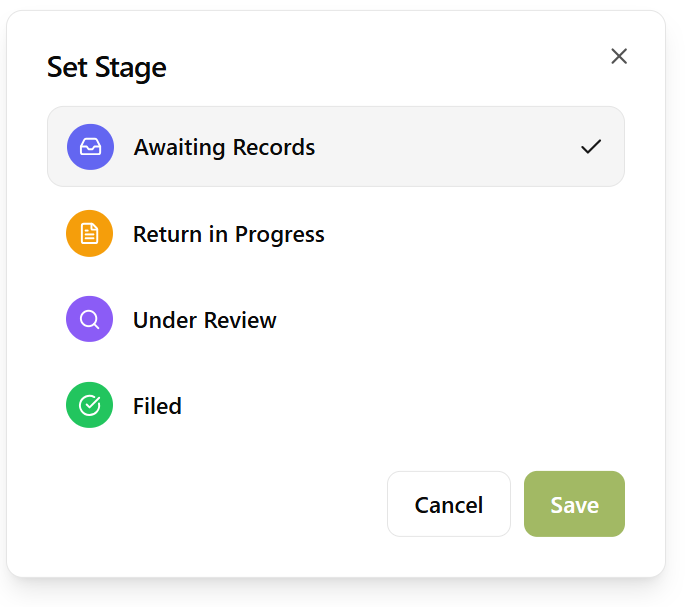
- Set Service Stage — automatically updates the stage on the client's service when the step runs
- Set Pipeline Stage — automatically moves the client's card to a stage on your sales pipeline when the step runs
- Review & Bill Time — lists the time logged on the task so it can be checked and corrected, then billed, written off or on, or left unbilled
- Bill for Work — bills the client when the work is done, at the service's price or a fixed amount, and can invoice it straight away
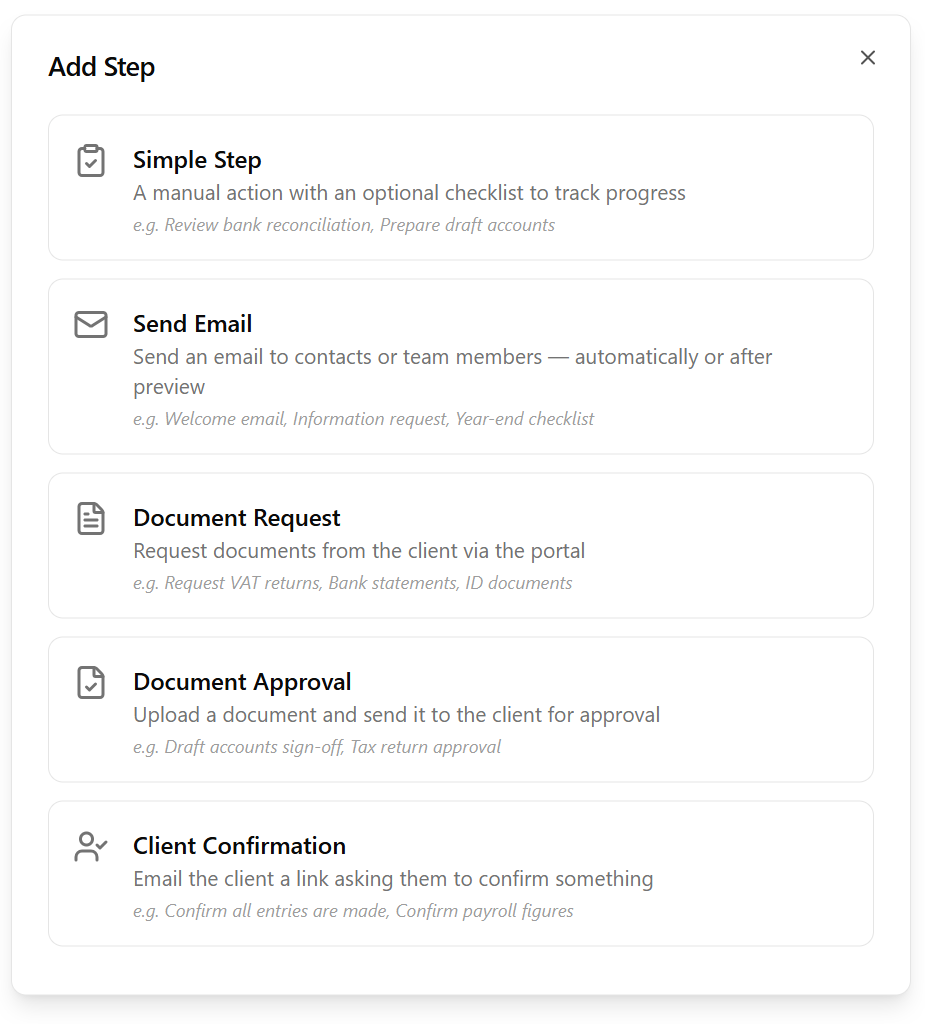
You choose the type when building the workflow template. A step-by-step wizard guides you through the configuration options for each type, making it straightforward to set up even the more advanced step types.
None of these step types require the client to sign up to a portal. Document requests, approvals, forms, and confirmations all reach the client by secure email link — so every step works for every client, whether or not they've logged in.